
Let me paint you a picture.
You’re an IT guy. You spend your days fixing printers, resetting passwords, and explaining to Karen from accounting why her email isn’t working.
You know computers inside and out.
But when you get home? You want to relax. You want to game.
And here’s the problem.
You don’t want two computers. You don’t want a boring office machine and a separate gaming rig. You want one machine that does both.
Professional during the day. Powerful at night.
Is that possible?
Absolutely.
And I’m going to show you exactly how to build it.
The IT Guy’s Dilemma
Let’s be real.
Most “office PCs” are garbage. Small cases. Weak processors. No graphics card. Barely enough RAM to open Chrome.
And most “gaming PCs” look like spaceships. RGB lights everywhere. Huge cases. Loud fans. Glass panels.
You don’t want that.
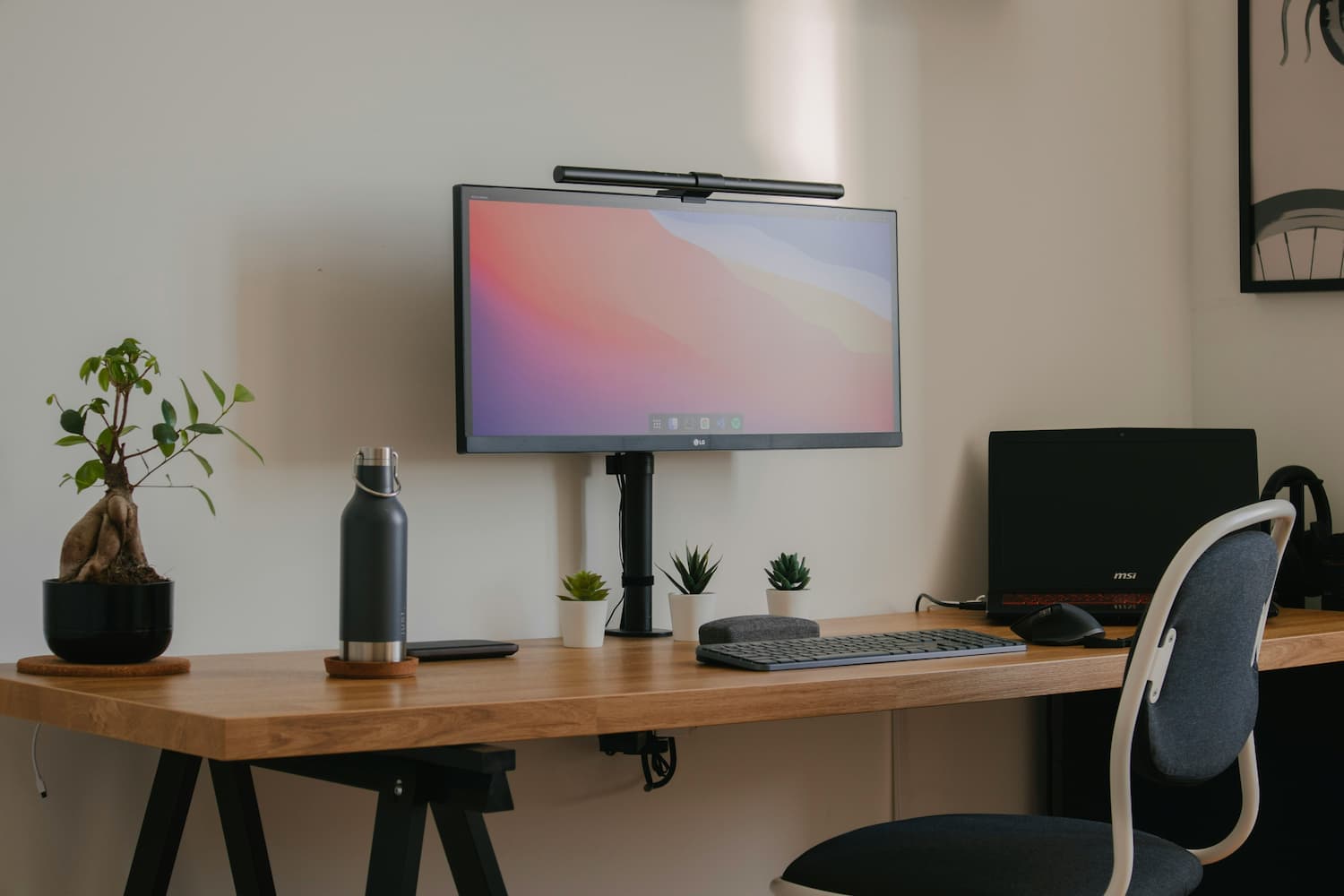
You want something that looks professional on your desk. Something that doesn’t scream “I play video games until 3 AM.”
But under the hood?
You want a beast.
The Philosophy of This Build
Here’s my approach:
- Professional on the outside — Clean, quiet, no RGB nonsense.
- Powerful on the inside — Fast processor, plenty of RAM, a solid GPU.
- Reliable — Because you’re an IT guy. You know the pain of unreliable hardware.
- Future-proof — You don’t want to rebuild this thing in two years.
And most importantly: It needs to handle both workloads seamlessly.
One minute you’re running virtual machines and Excel sheets. The next minute you’re dropping into Warzone or Cyberpunk.
No compromises.
The Build (Mid-Range Budget ~$1000–$1200)
I’m not going to give you a $500 build. Because that won’t do both well.
This is the sweet spot. Good enough for work. Powerful enough for gaming.
1. Processor (CPU): AMD Ryzen 7 5700X
Price: ~$190
Why? Because it has 8 cores and 16 threads. That’s perfect for multitasking. Virtual machines? No problem. Video calls while running code? Easy. Gaming? Handles it like a champ.
It’s also efficient. Runs cool. Doesn’t need a crazy expensive cooler.
Alternative: Intel i5-13600K if you prefer Intel. Same price range. Slightly better for gaming.
2. Motherboard: MSI B550M PRO-VDH WiFi
Price: ~$120
Solid motherboard. Has WiFi built-in (because IT guys hate cables). Good power delivery. Plenty of USB ports for all your gadgets.
It’s micro-ATX, so it fits in smaller cases. Professional look. No flashy gamer nonsense.
Alternative: ASUS TUF Gaming B660M for Intel builds.
3. Graphics Card (GPU): NVIDIA RTX 3060 12GB
Price: ~$280
Here’s the thing.
You don’t need a $800 GPU for 1080p gaming. The RTX 3060 handles almost every game at high settings at 1080p. And it’s great for work too—especially if you do any video editing, 3D modeling, or machine learning.
The 12GB of VRAM is helpful for both gaming and productivity.
Alternative: RX 6600 XT if you want AMD. Cheaper and similar performance.
4. RAM: 32GB DDR4 3200MHz (2 x 16GB)
Price: ~$90
16GB is fine for gaming. But you’re an IT guy. You run virtual machines. You have 50 Chrome tabs open. You’re a multitasking monster.
Get 32GB. Trust me. You’ll thank yourself later.
Alternative: 16GB if you’re on a tight budget. But upgrade later.
5. Storage: 1TB NVMe SSD + 2TB HDD
Price: ~$60 (SSD) + ~$50 (HDD)
- SSD for Windows, games, and frequently used programs. Fast boot times. Fast loading screens.
- HDD for backups, old files, and games you don’t play often.
Don’t skip the SSD. It’s the single biggest quality-of-life upgrade.
Alternative: Go all-SSD if you have the budget. 2TB NVMe if you can afford it.
6. Power Supply (PSU): 650W 80+ Gold
Price: ~$80
Don’t cheap out on this. A bad PSU can kill your whole system.
650W is enough for this build. 80+ Gold means it’s efficient and reliable.
Brands to trust: Corsair, Seasonic, EVGA.
7. Case: Fractal Design Define Mini C
Price: ~$80
This is the perfect IT guy case.
- Clean design. No glass panels. No RGB. Just a sleek black box.
- Sound-dampened. Your PC stays quiet even under load.
- Good airflow. Your components stay cool.
It looks professional. Your boss would be impressed. Your wife wouldn’t complain.
Alternative: NZXT H510. Also clean and minimal.
8. CPU Cooler: Cooler Master Hyper 212
Price: ~$40
The stock cooler that comes with the CPU is fine. But this one is quieter and keeps temperatures lower.
Plus, it’s affordable and easy to install.
9. Operating System: Windows 11 Pro
Price: ~$140 (or free if you have a work license)
You’re an IT guy. You need Pro for virtualization, BitLocker, and group policies.
Or just use your work license if your company allows it.
Total Cost: Around $1100–$1200
Here’s the breakdown:
| Component | Price |
|---|---|
| CPU | ~$190 |
| Motherboard | ~$120 |
| GPU | ~$280 |
| RAM | ~$90 |
| SSD | ~$60 |
| HDD | ~$50 |
| PSU | ~$80 |
| Case | ~$80 |
| Cooler | ~$40 |
| Windows | ~$140 (optional) |
| Total | ~$1,130 |
Skip Windows and you’re at ~$990.
What Games Can It Run?
This build handles:
- Cyberpunk 2077 — High settings at 1080p, smooth 60+ FPS
- Call of Duty: Warzone — High settings, 100+ FPS
- Fortnite — Epic settings, 120+ FPS
- Valorant / CS:GO — Max settings, 200+ FPS
- Elden Ring — High settings, stable 60 FPS
And for work?
- Multiple virtual machines running smoothly
- Heavy Excel files with millions of rows
- Video editing and rendering
- Programming and compiling code
- Running Docker containers
This machine does it all.
Bonus: IT Guy Setup Tips
Since you’re an IT pro, here are some extra tips to make this build perfect:
1. Dual Monitors
You need at least two. One for work. One for… well, also work. And gaming. But mostly work.
2. Mechanical Keyboard
Get one with silent switches. Your coworkers (or family) will thank you.
3. Good Ergonomic Mouse
Your wrist will thank you in 10 years.
4. Cable Management
You’re an IT guy. You know how important this is. Keep it clean. Use zip ties. Make it pretty.
5. Backup Strategy
Set up automatic backups. Cloud + external drive. You know the drill.
The Bottom Line
You don’t need two separate machines.
You don’t need a boring office PC that can’t game.
And you don’t need a gaudy gaming rig that embarrasses you on Zoom calls.
You need one machine that does both.
Professional on the outside. Beast on the inside.
This build gives you that.
So go ahead. Build it. Boot it up.
Run your VMs. Crunch those spreadsheets.
Then close your work apps. Open Steam.
And game like no one’s watching.
Because no one will know.
It just looks like a regular office PC.
And that’s the beauty of it.
Happy building, fellow IT warrior! 💻⚔️